Navigating the Guest Account Details Page
Last updated: August 27, 2026
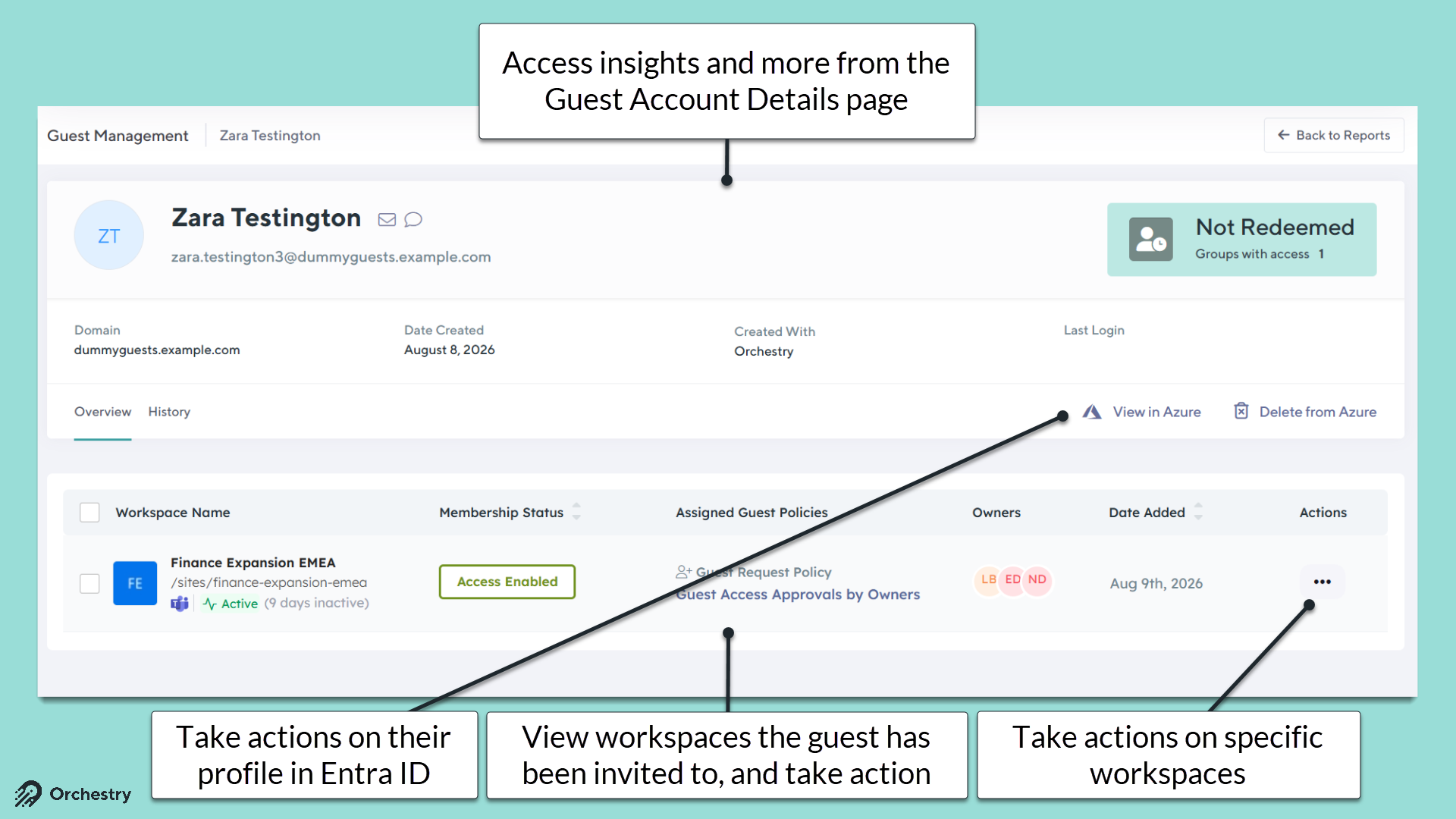
By clicking on a name of a guest account (on Guests > Reports), Orchestry admins can view that user's Guest Account Details page. This allows admins to access additional information on the account and take action.
The Overview Tab
From the 'Overview' tab, admins can:
view account details (i.e.: domain, date created, last login and more)
view and action workspaces the guest has access to
Link to the guest's Entra ID profile
Delete the guest's Entra ID profile
The History Tab
From the 'History' tab, admins can see Orchestry-related events on the accounts, including:
Creation history
Access history: This logs the account's guest requests
Review history: this logs the accounts guest reviews
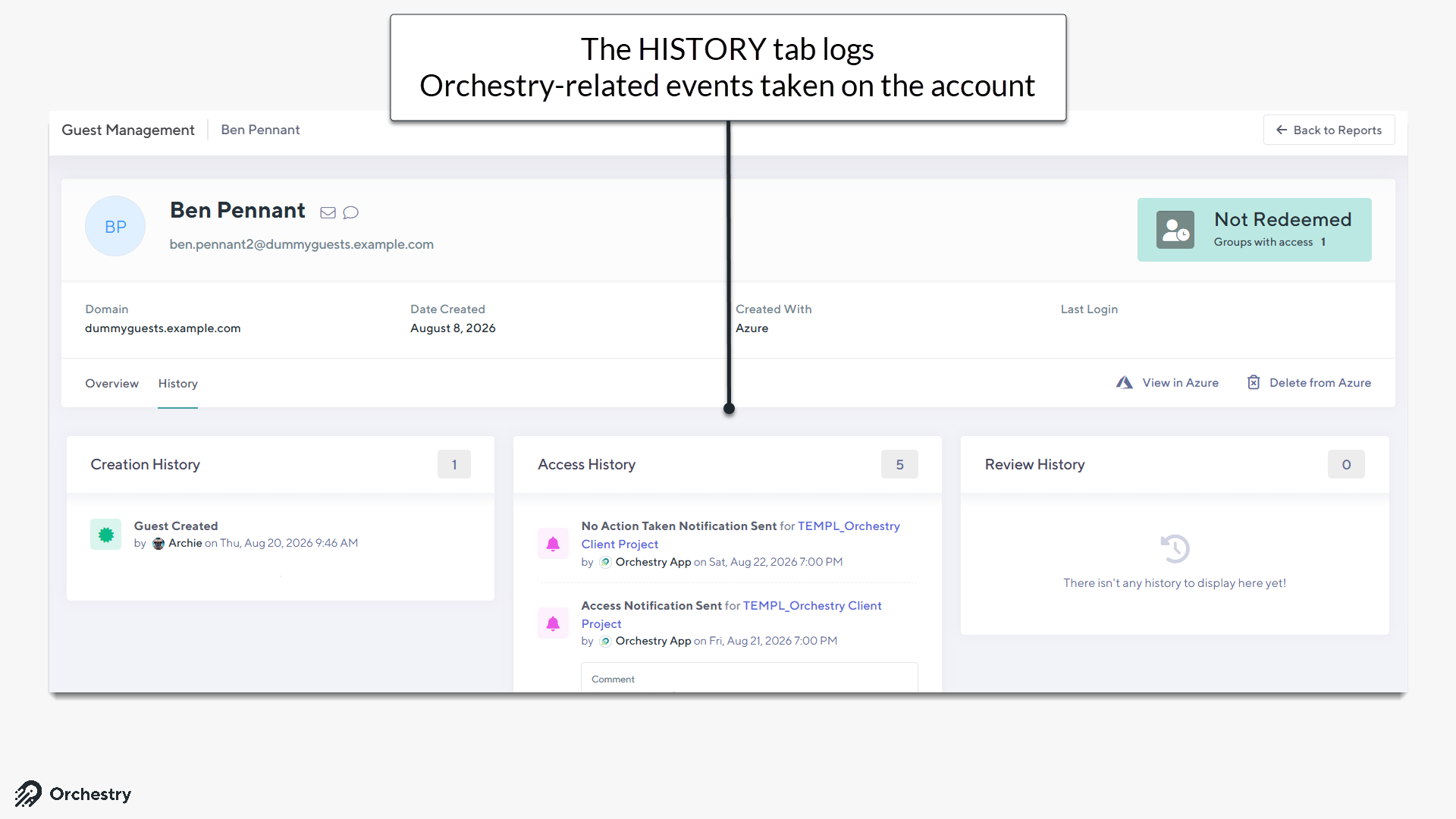
Note, Orchestry does NOT log events that occurred prior to installation.