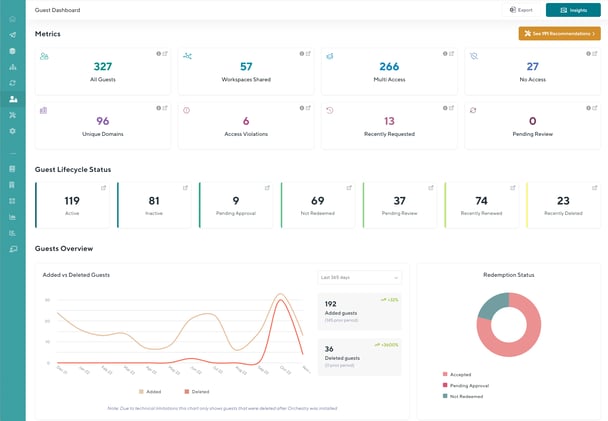
The Guest Dashboard
The Guest Dashboard provides a holistic view of your environment's guest accounts, while also servicing as a launch pad to the many Insight reports that come pre-built to help you understand your guest data
Learn more about the Guest Dashboard here
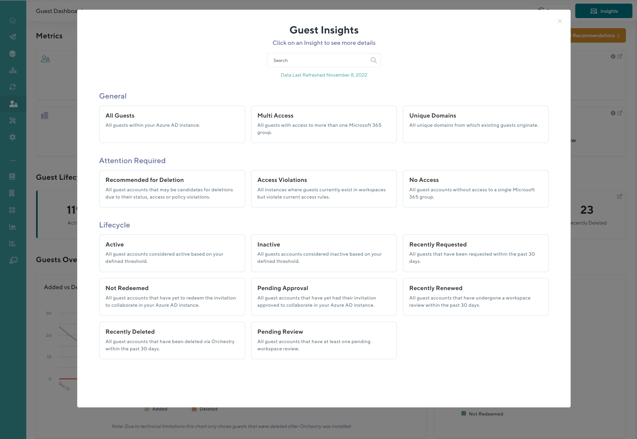
Insight Reports
Insight reports provide you with important aggregated information about your guests, updated on a nightly basis. Orchestry provides a number of rich pre-built Insights (or "views") of guest information that can be helpful for understanding important attributes, or seeing different segments of accounts in a single view.
Learn more about the Guest Insights here.
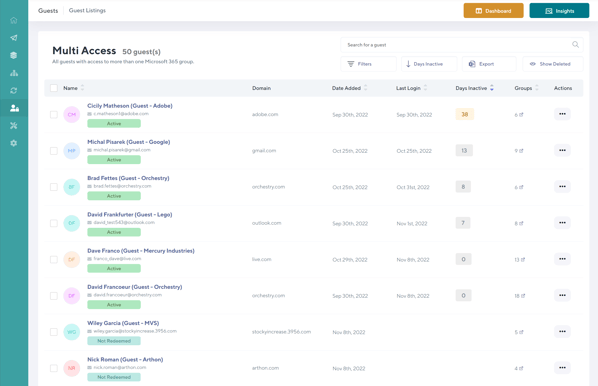
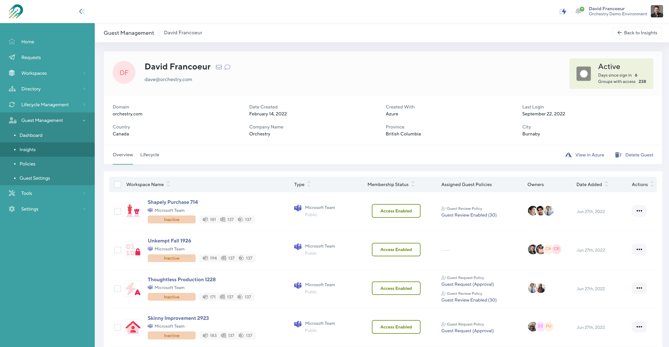
From an insight report, an administrator can also drill down to a detailed guest information. Not only can you see a detailed view of their current status and properties, but also see historic actions applied to the user via Orchestry.
Guest Policies
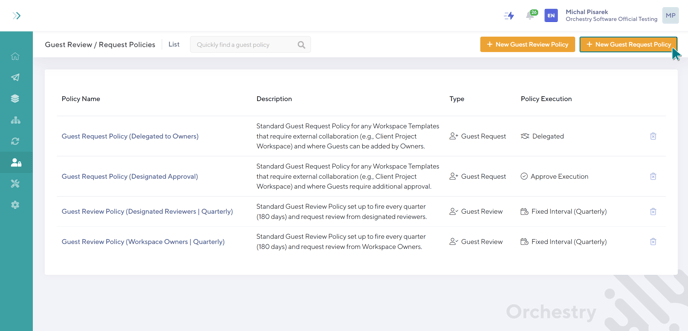
Guest Policies allow organizations to automate and control the management of guests. Specific policies can be used to help control how guests are requested and added to new Microsoft 365 Groups, as well as how to ensure existing guests are regularly reviewed to ensure their access is still legitimate.
Learn about configuring guest request policies here
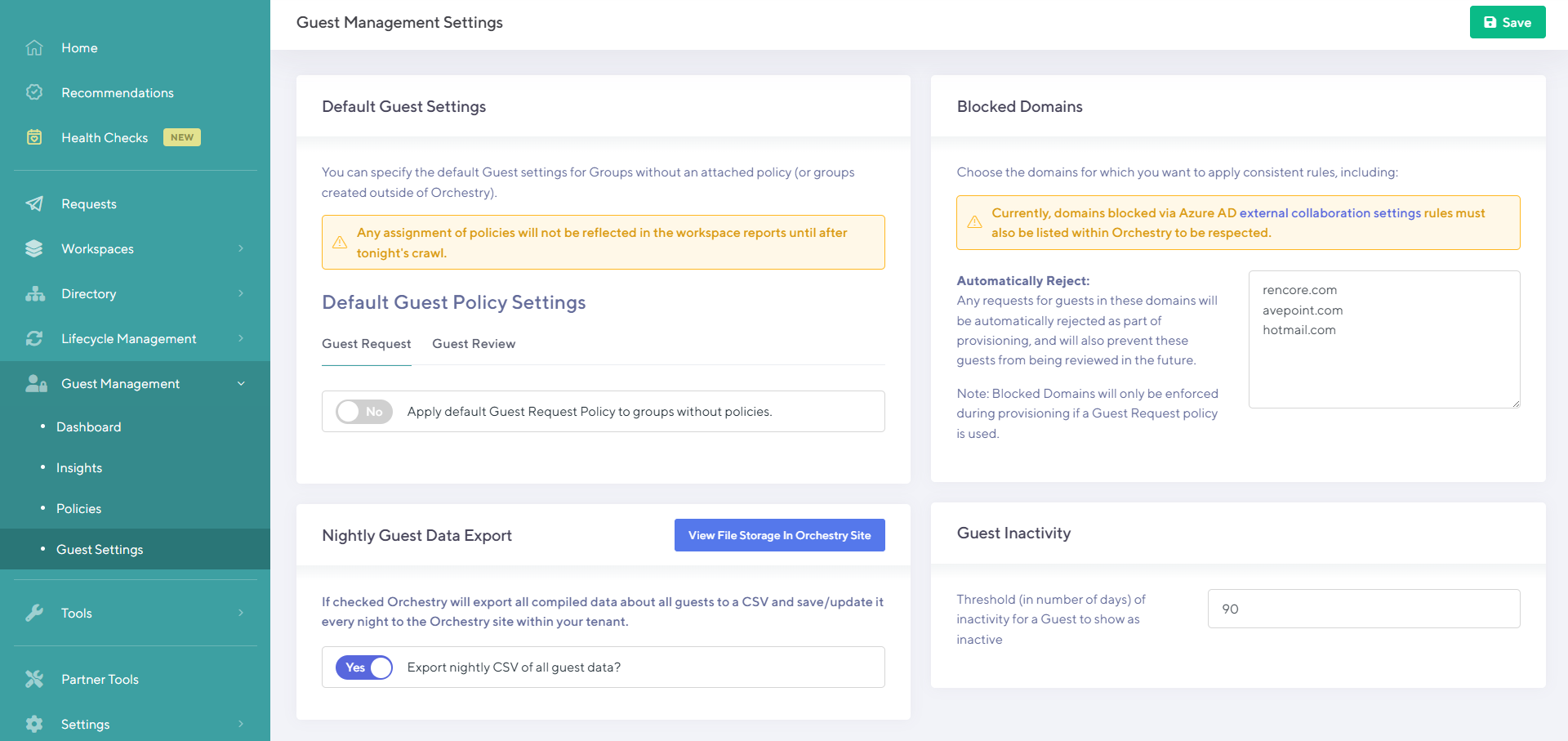
Guest Management Settings
The dedicated guest management settings page allows you to configure a number of settings such as syncing blocked domains, assigning default guest policies, getting data exports on guest data and guest inactivity
Learn about the guest management settings page here
Learn how to disable Guest Management here