A key feature of the workspace directory is to have your own organizational metadata available so that users can filter and sort on these custom attributes.
Any custom metadata that is created and gathered as part of the workspace request process can be displayed in the directory with the following steps.
Set Up Custom Metadata
Firstly, make sure that you have some workspace metadata created as per the following instructions.
Showing Metadata as a Filter in the Workspace Directory
In order to show your metadata as a filter in the Workspace Directory, switch the 'Show as Filter in Workspace Directory' toggle to 'Yes' inside of the Metadata EDIT page.
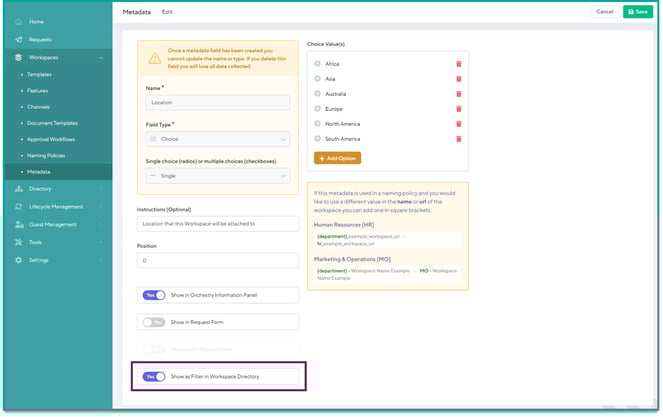
This will now show your custom metadata as a filter in the directory.
Show Metadata as a Column in the Workspace Directory
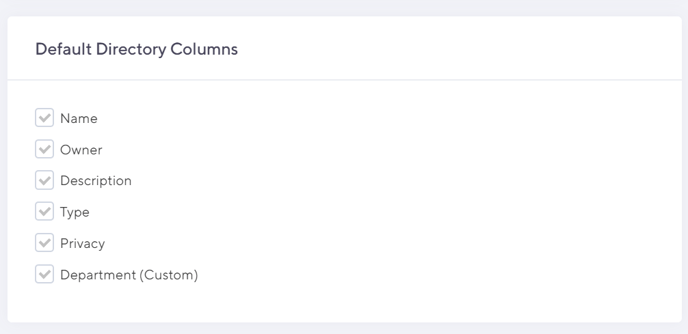
If you want to show your metadata as column in the Directory, go to the Directory > Configuration page and choose the metadata to be displayed.
Note that you can disable out-of-the-box Orchestry columns as well in this section: