How to Create and Share Health Checks as PDFs
Last updated: March 30, 2026
If you need to share a health check report with an audience that doesn't use Orchestry, you can export the report as a PDF.
Creating Health Check PDF Reports
The PDF reports are automatically queued and generated when a new health check is published.
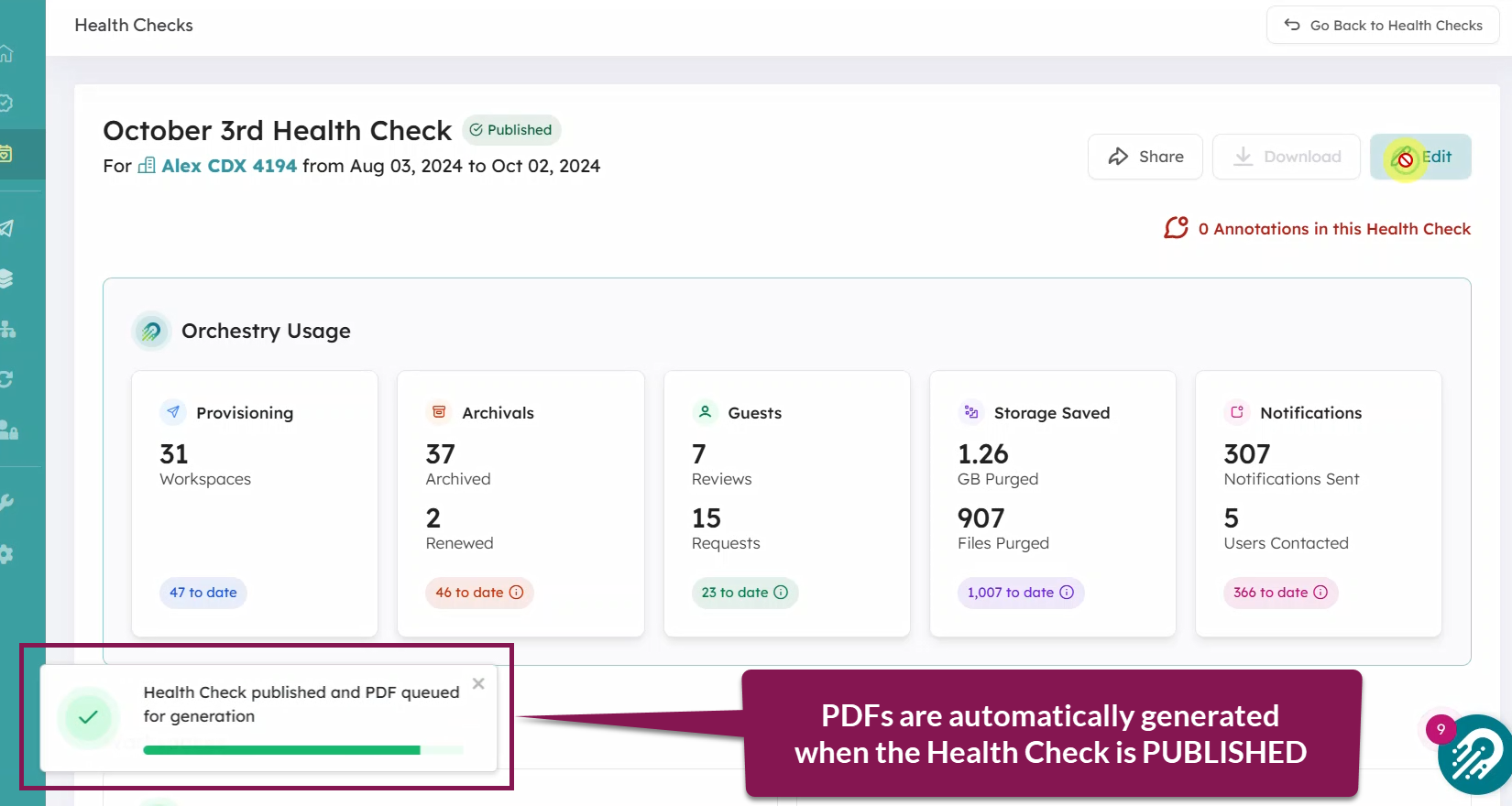
NOTE: You cannot generate a PDF on reports that are still in the REVIEW state.
These files are stored in your tenant's Orchestry SharePoint site. You can find the 'Health Checks' folder in the document library called 'Storage' (Site > Storage > Health Checks).
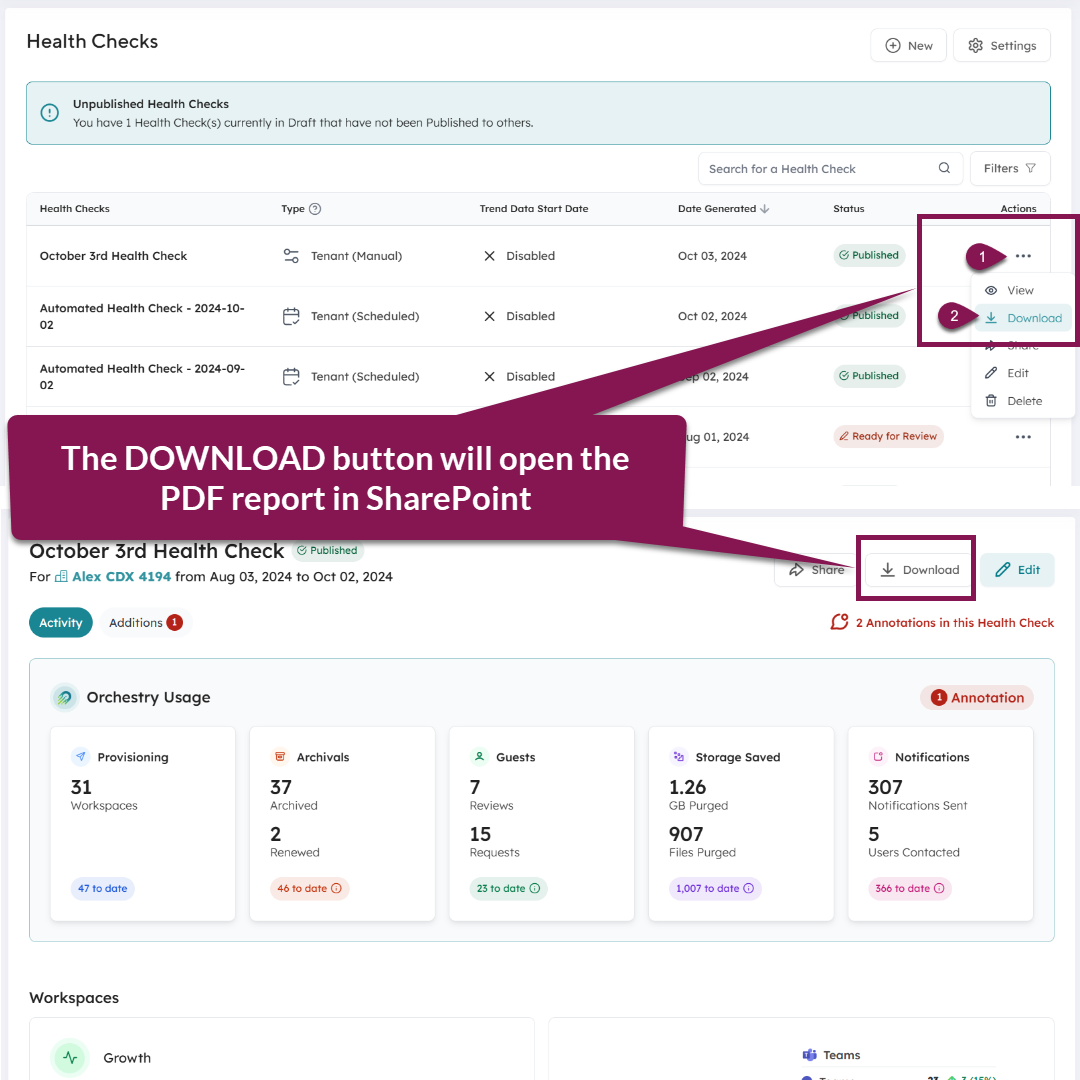
Clicking the DOWNLOAD button on your Health Check will open the PDF from the Orchestry SharePoint site.
NOTE: PDFs can take approximately 10 minutes to generate the first time.
NOTE: You cannot change the location where PDFs are stored. Moving the PDF reports out of their SharePoint folder will break their link to the Health Check report in Orchestry
Creating PDFs for Health Checks Published PRIOR to October 2024
The DOWNLOAD button will be grayed out for all health checks published prior to 2024-OCT-01, meaning that there is no PDF available for the reports.
To create PDFs for those older reports, publish new Health Check reports that cover the specific timeframes you require.
Editing Health Check Reports and PDFs
When you edit a published Health Check report, Orchestry will automatically update the associated PDF in the background. This means, your original PDF and all edits are saved in version history.
NOTE: It can take up to an hour for the updated PDF to be generated.
Sharing the Health Check PDFs
Out of the box, the PDFs are only accessible to members of the Orchestry SharePoint site in your tenant. Typically, these are your Orchestry admins.
This means that in order for others in your organization to access the PDFs, the admins must share copy or share the PDFs for others to access. For example, you could:
download and/or copy of the report from SharePoint and upload it to a new location that's accessible to others
create a share link to specific files as-needed
Grant users VIEW-ONLY permission to the 'Health Checks' folder
Health Check Viewers and Reviewers are NOT automatically granted access to PDF reports.
We do NOT advise granting users access to the Orchestry SharePoint site.
PDFs for Partner-Managed Health Checks
If you have an Orchestry Partner who manages your health checks, the PDFs will be stored in their own SharePoint site collection.
Please contact your partner to request they share the PDF reports with you if desired.