Disabling Guest Management Features
Last updated: March 31, 2026
Orchestry's Guest Management features are automatically enabled during installation. Should you wish to disable it, please following the sequence of steps outlined below.
How to Disable Orchestry's Guest Management Features
As discussed above, should you wish to disable Guest features after having used them for a time, we recommend the steps in the following order:
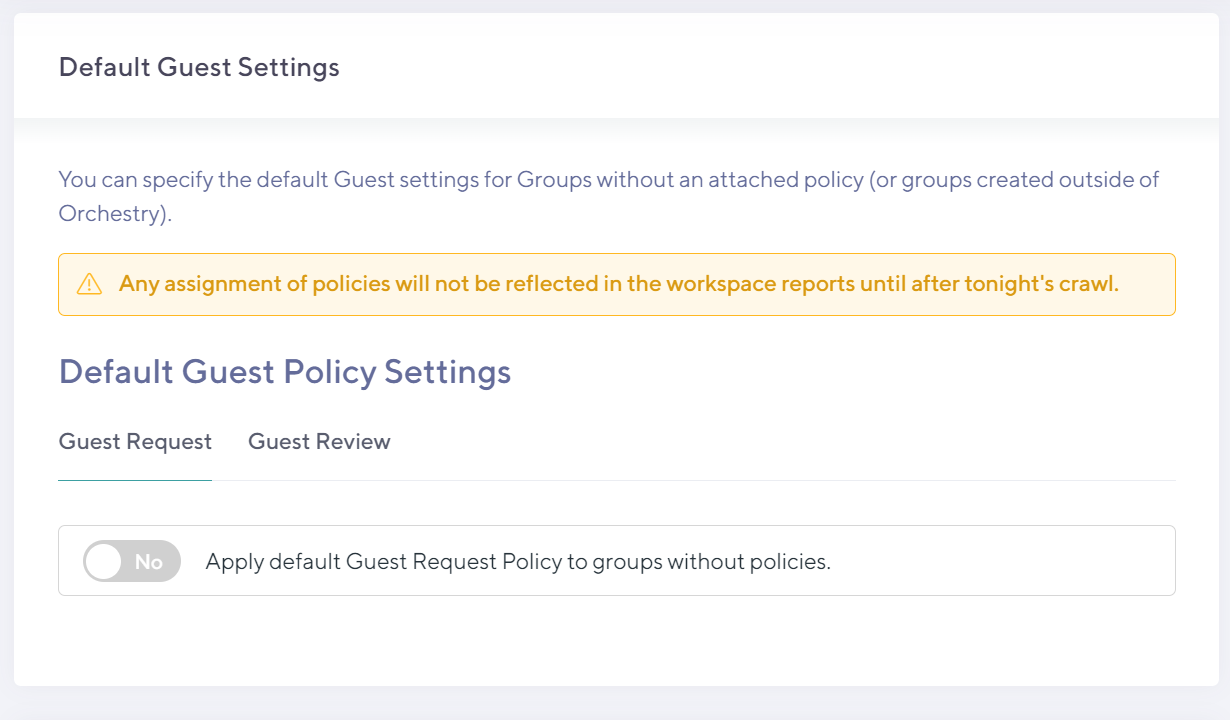
Remove any Guest Policies set as defaults (Settings > Guests)
Remove Guest Policies attached to any Workspace Templates (Templates > Workspaces)

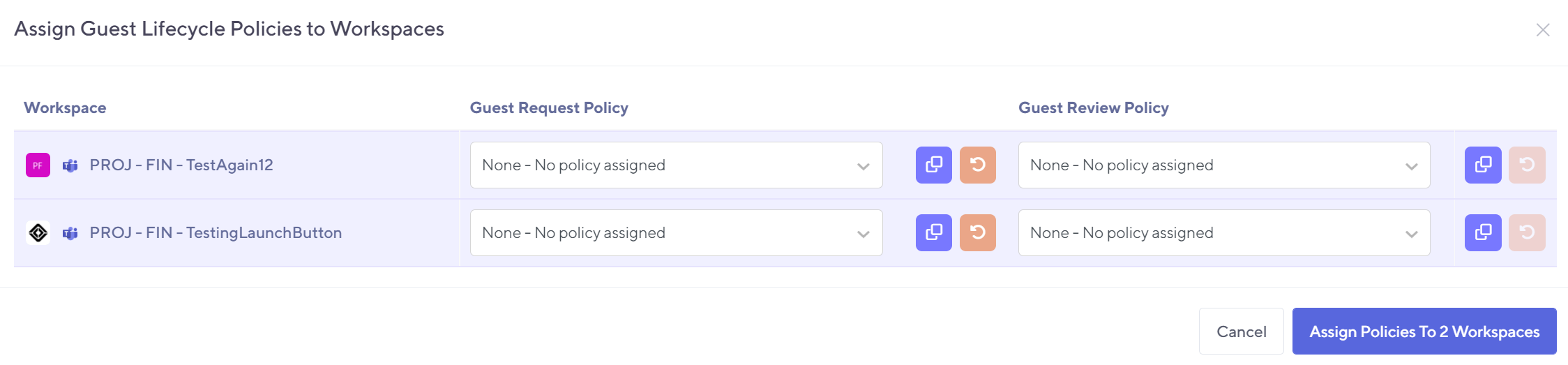
Remove Guest Policies attached to any Workspaces (Workspaces > Reports)
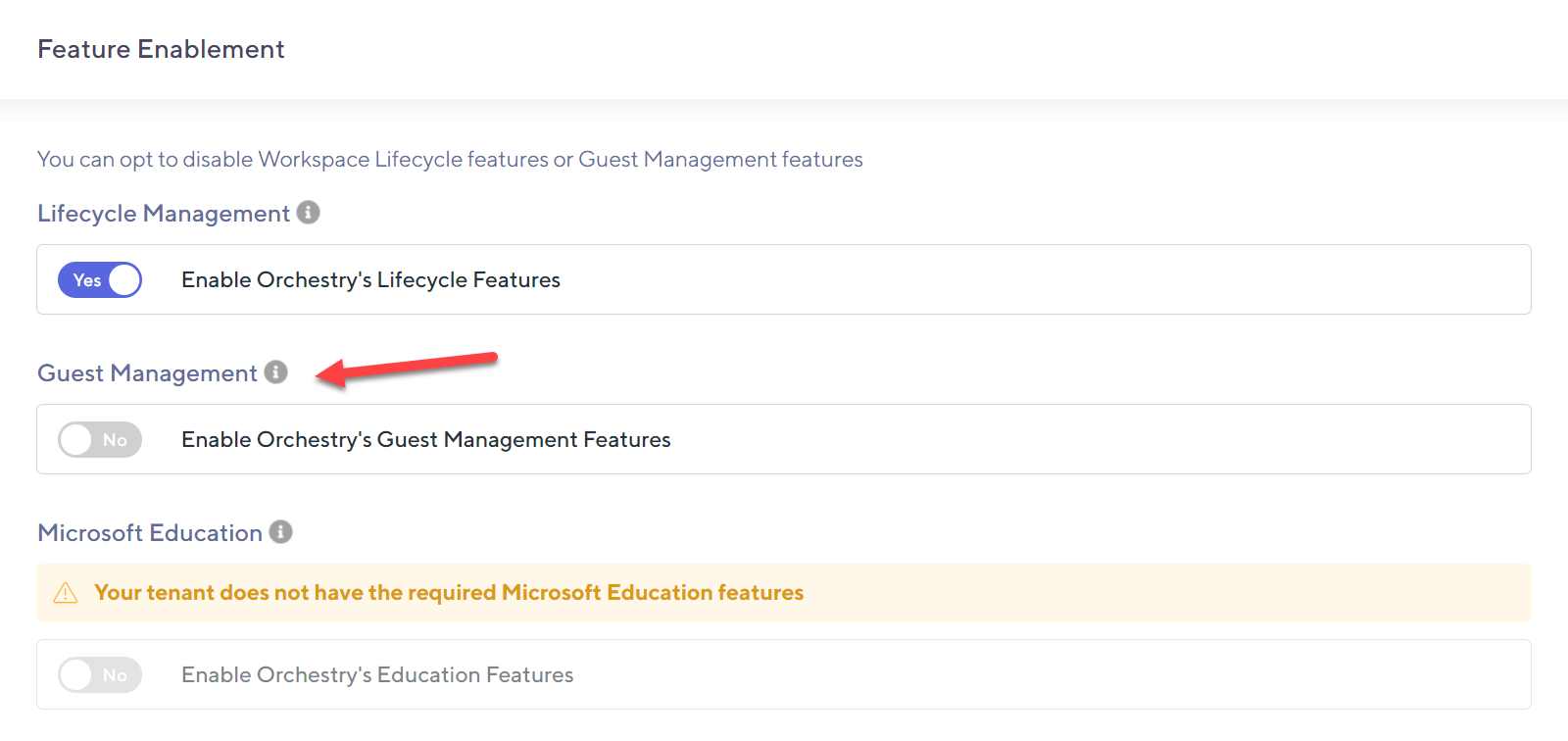
Disable the Guest Management Feature (Settings > Installation)