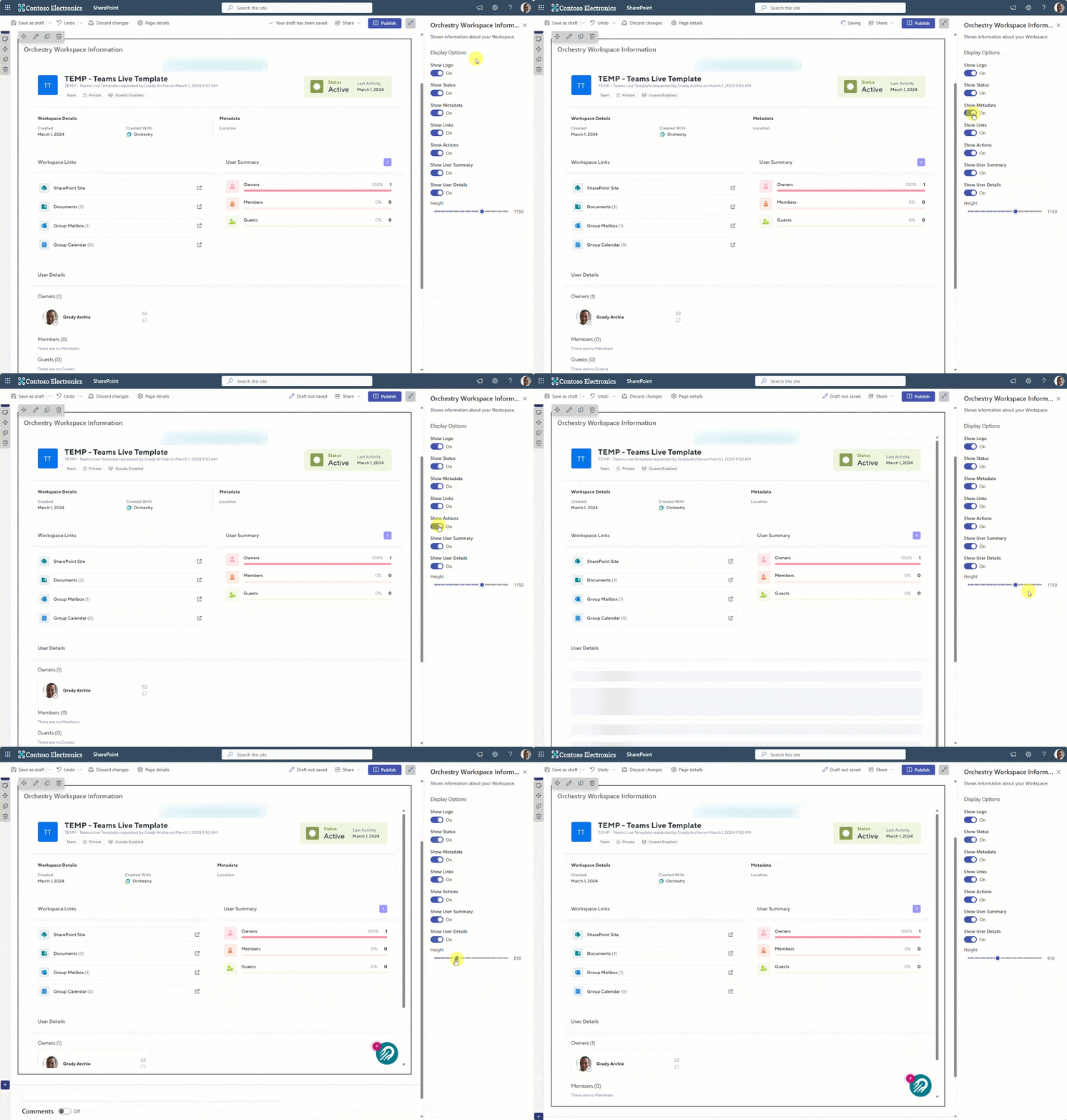
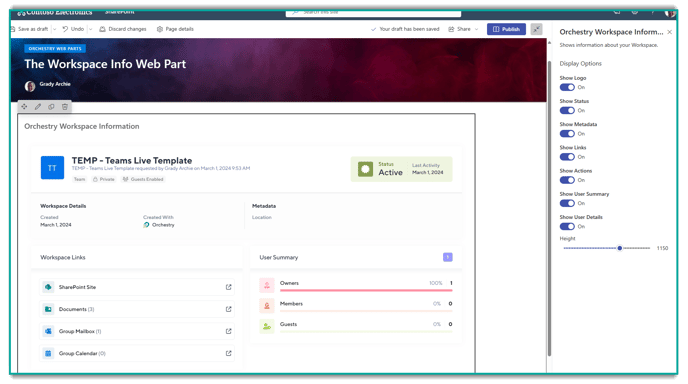
The Orchestry Workspace Information (OWI) web part brings the Workspace Information teams tab into SharePoint, enabling all workspaces types to leverage it. This allows your end users (Owners and Members) to view information about their M365 group, submit new guest requests and more.
This web part is required to invite guests into SharePoint Team site workspaces. Learn how to setup web part guest access in this article.
Adding the Orchestry Web Parts
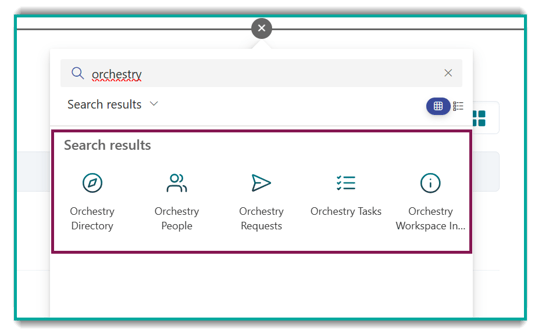
You can learn how to add web parts to SharePoint pages in this article. You can view all of our web parts by searching for 'Orchestry'.
TIP: Learn more about how to add, edit and use web parts on SharePoint pages from Microsoft's documentation.
Configuring the Orchestry Workspace Information Web Part
Site owners and members can modify the OWI web part to control what information is displayed and/or modify the height of the web part.