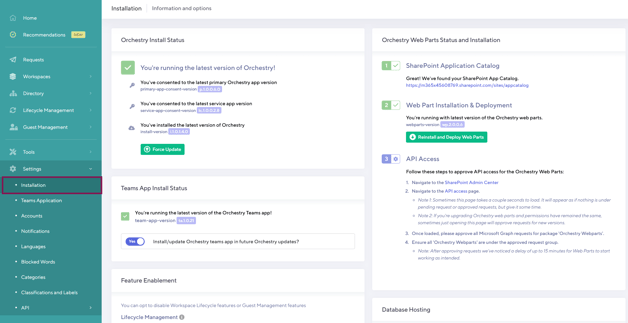
The Installation page shows you to see the current status of your Orchestry apps, web parts, features and local databases for self-hosted environments.
This page can also be used to upgrade both Orchestry, the Orchestry web parts and more.
Orchestry Install Status
This section details the version of the Orchestry application that you are currently running.
You can force an update by clicking the 'Force Update' button. If an update is available it will be shown here.
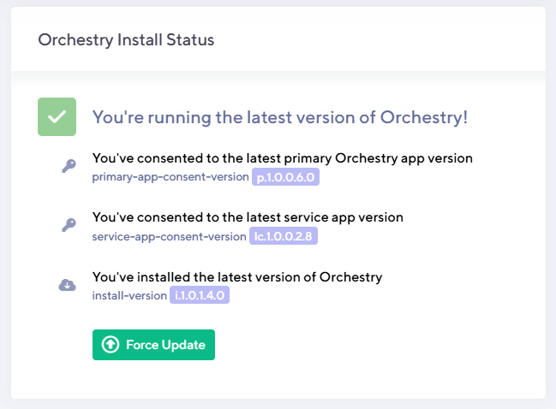
NOTE: The consent-version and install-version do not have to match.
Orchestry Web Part Status and Installation
This section show you (1) the installation status of the SharePoint app catalog, (2) the installation status of the Orchestry web parts, and (3) links you to the SharePoint API access page in the SharePoint Admin Centre.
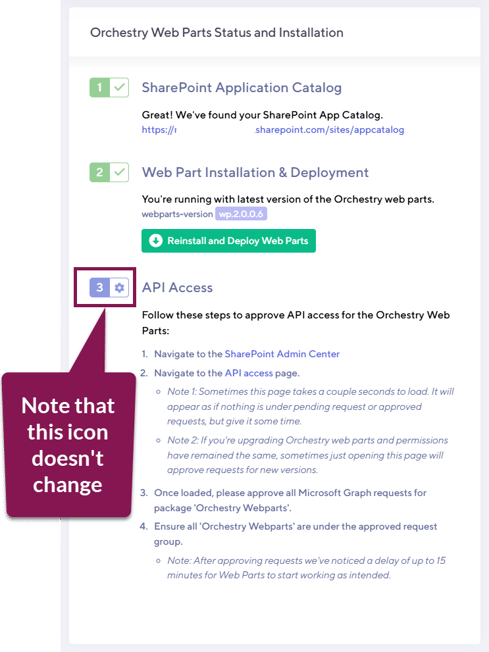
Please note that the API Access icon does not change to green like the others. You can verify API status from the "API Access" page in SharePoint admin
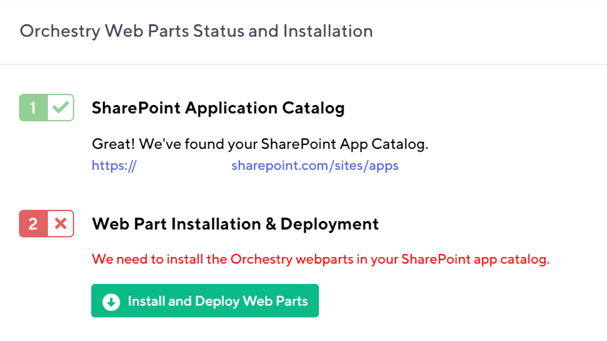
Web Parts Not Installed
If you have not installed the available Orchestry web parts in your environment, the installation instructions will be shown on the screen:
Web Part Update Available
If you have already installed the Orchestry web parts but are not on the latest version, you will see something like the screen below:
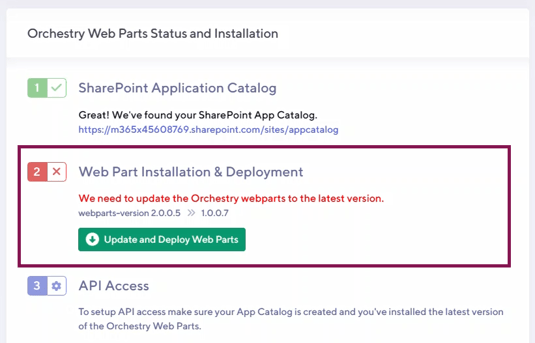
In this case, follow the steps and you will be updated to the latest version of the Orchestry web parts.
Please make sure that you follow all steps as these have to be done manually in your Microsoft 365 environment.
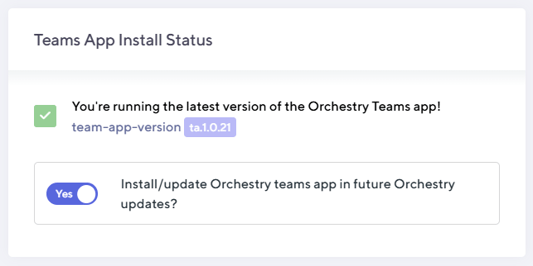
Teams App Install Status
Ensure that the Orchestry Teams app is up to date by allowing it to update along with future Orchestry app updates. This ensures both the Orchestry web and Teams app have the same features and functionality.
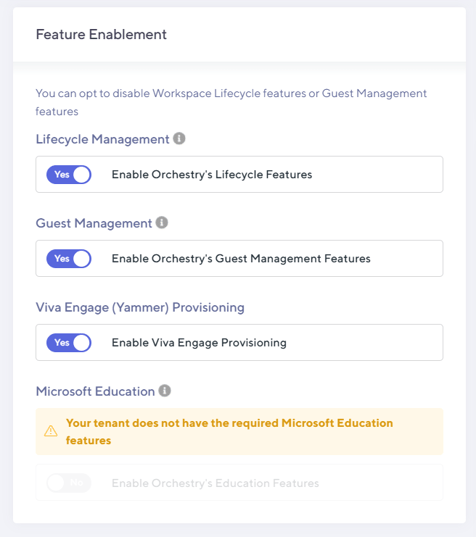
Feature Enablement
Enable or disable Orchestry features such as Lifecycle Management, Guest Management, Viva Engage provisioning and Microsoft Education features (EDU licensing required)
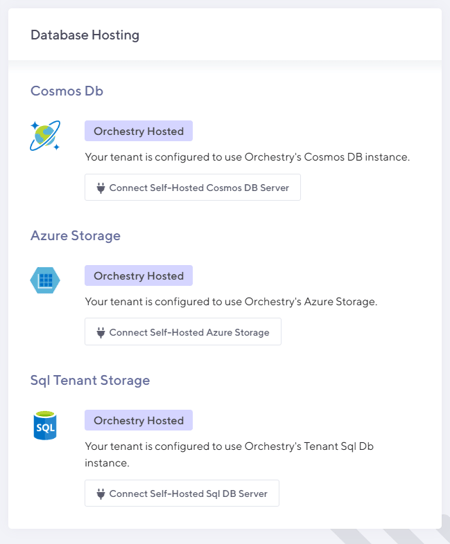
Database Hosting
Connect and manage your self-hosted Orchestry databases from here.