NOTE: These articles are intended to showcase examples of Orchestry's Custom Feature option. From a product support standpoint, we do not assist in creating or debugging custom features.
Getting Started
Before creating a custom Feature, definitely check out our more introductory articles on:
Feature Proposal
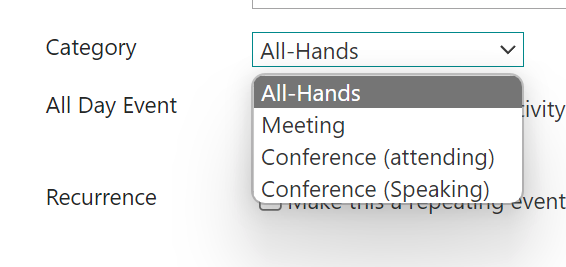
Have you wondered if you can set up the Event Categories for the OOTB Events list as part of a provisioning template? You can do that with PnP.
Instead of using the entire PnP package file, you can use the extracted XML file under <extract>/Files.
We encourage you to update the XML to simplify it as much as possible. For example:
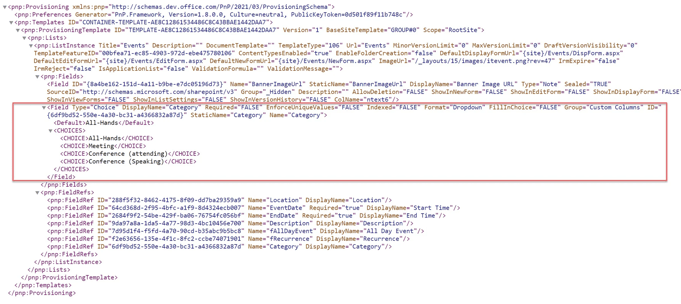
Next, upload only the XML into the Orchestry Template Files. Here are the two of ours:

Testing the Feature
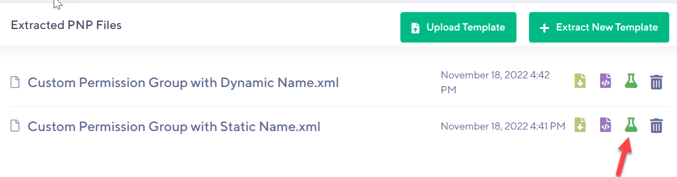
One useful trick to test your XML file, before you deploy it as a feature, is to use the green 'beaker' icon to launch as a test against an existing site in the environment. This is a much faster way to test the file is working.
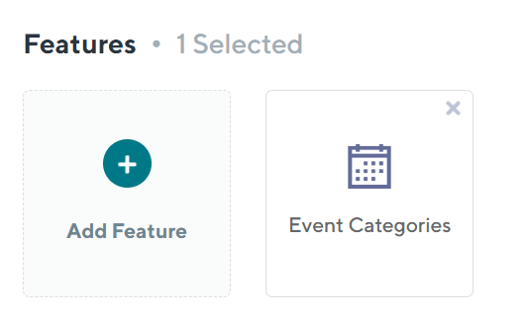
Next, connect each of these to a feature to be able to attach them to a Template:
This is the resulting Site with the Categories populated in the Events List: