
NOTE: These articles are intended to showcase examples of Orchestry's Custom Feature option. From a product support standpoint, we do not assist in creating or debugging Custom Features.
Getting Started
Before creating a custom Feature, definitely check out our more introductory articles on:
Feature Proposal
Have you wondered if you can provision some custom SharePoint apps to your SharePoint site via Orchestry? Currently we do not provision apps during Live Templating so you will likely find they get left behind. We can get around this by creating a Feature that contains the apps you want to add.
Testing the Feature
Sometimes it can be much easier to do away with the entire PnP package I did away with the entire PnP Package file. I don't believe it's required for what we are trying to do. Instead, I simply used the extracted XML file under <extract>/Files.
Likely you will want to update the XML to simplify it as much as possible and re-save it, here's an example:
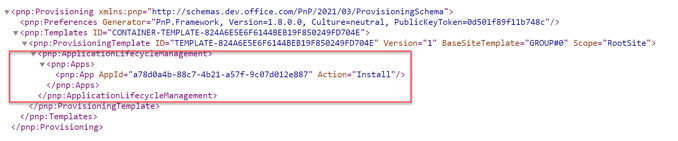
Next, upload only the XML into the Orchestry Template Files. Here are the two of ours:

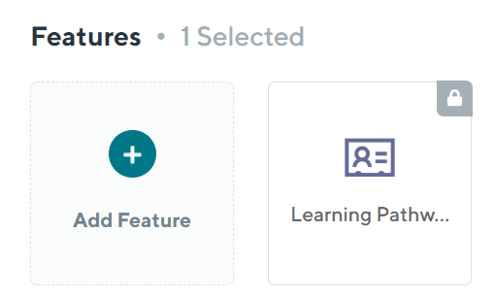
Here is an example of a request with the feature added:
This is the resulting Site with the custom App provisioned: