
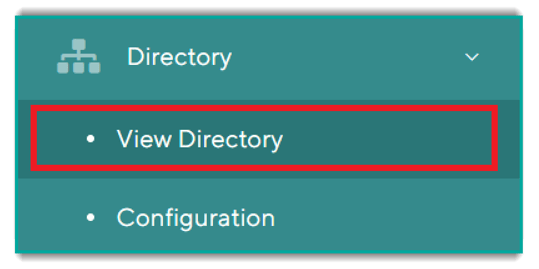
Step #1: Navigate to the View Directory page in Orchestry Admin
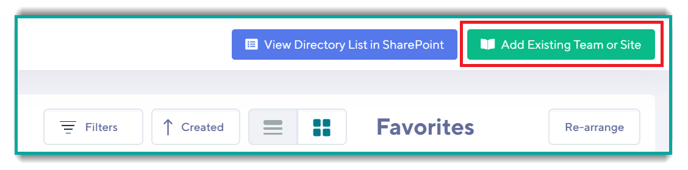
Step #2: Click the 'Add Existing Site or Team' button
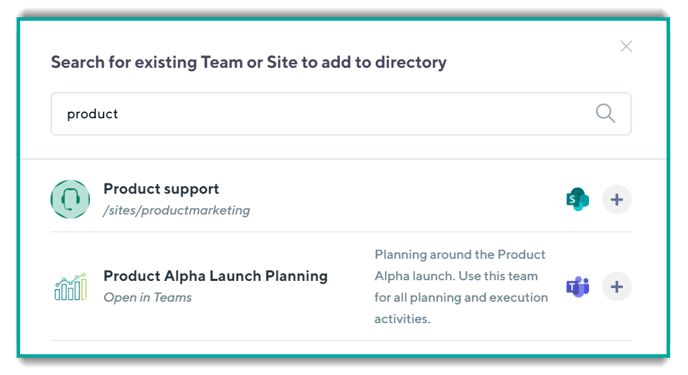
Step #3: Search for Existing Sites and Teams
Teams and sites that are not already in the directory will have the (+) icon next to them:
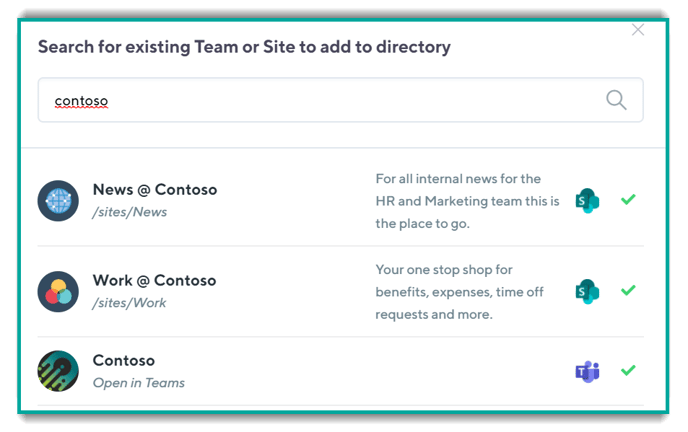
Whereas the sites below have all been added to the Directory as indicated by the green checkmark next to them:
To add a site, click on the (+) icon for the Team or Site that you want to add. This will bring up the dialogue box that will allow you to add the site and assign any custom metadata you may have.
If you have required metadata, Orchestry will not allow you add the Team or Site to the Directory until this is filled in
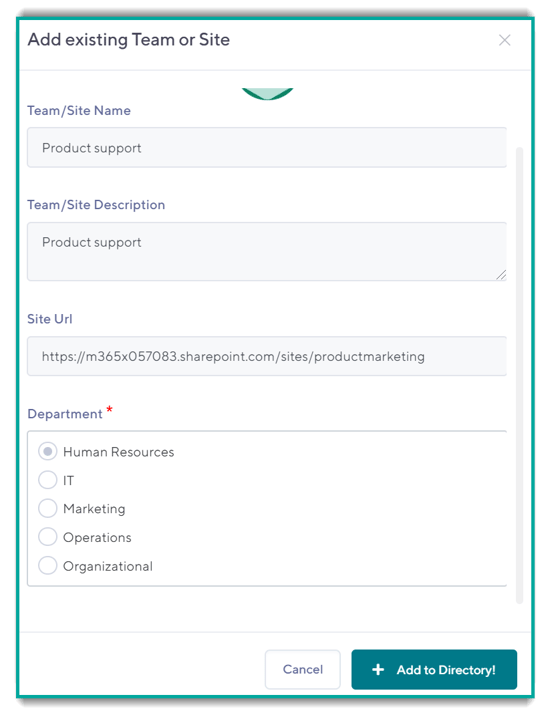
Once complete, click on the 'Add to Directory' and your item will be visible.